

- Understanding the Importance of Small Business Automation
- Key Areas for Automation in Small Businesses
- Marketing Automation for Small Businesses
- Customer Relationship Management (CRM) Automation
- Customer Support Automation
- Workflow Automation for Small Businesses
- Tools for Small Business Automation
- Workflow Automation Tools
- Email Marketing Automation Tools
- Social Media Automation Tools
- CRM Automation Tools
- Customer Support Automation Tools
- Lead Generation Automation Tools
- Finance and Accounting Automation Tools
- Other Useful Automation Tools
- Implementing Automation in Your Small Business
- The Importance of the Human Touch
- Final Thoughts
In today's fast-paced business world, small business automation is no longer a luxury but a necessity for staying competitive and efficient. By leveraging technology to automate repetitive tasks, small businesses can free up valuable time and resources, allowing them to focus on growth and strategic initiatives. This article will guide you through the key aspects of small business automation, exploring its benefits, essential areas for automation, and the tools available to help you streamline your operations.
n
Understanding the Importance of Small Business Automation
n
Small business automation involves using technology to perform repetitive tasks with minimal human intervention. This can range from simple email responses to complex customer relationship management systems. The core idea is to eliminate manual work, reduce errors, and improve efficiency. The benefits of automation are substantial, allowing small businesses to scale operations without drastically increasing resources, deliver consistent customer experiences, and make data-driven decisions more effectively. By automating mundane tasks, employees can focus on more strategic activities, which leads to increased job satisfaction and overall productivity.
n
Key Areas for Automation in Small Businesses
n
Several areas within a small business can benefit significantly from automation. These areas include marketing, customer relationship management, customer support, and workflow management.
n
Marketing Automation for Small Businesses
n
Marketing automation is crucial for reaching the right audience with the right message at the right time. By automating marketing tasks, small businesses can generate more leads, nurture customer relationships, and improve overall campaign performance.
n
- n
-
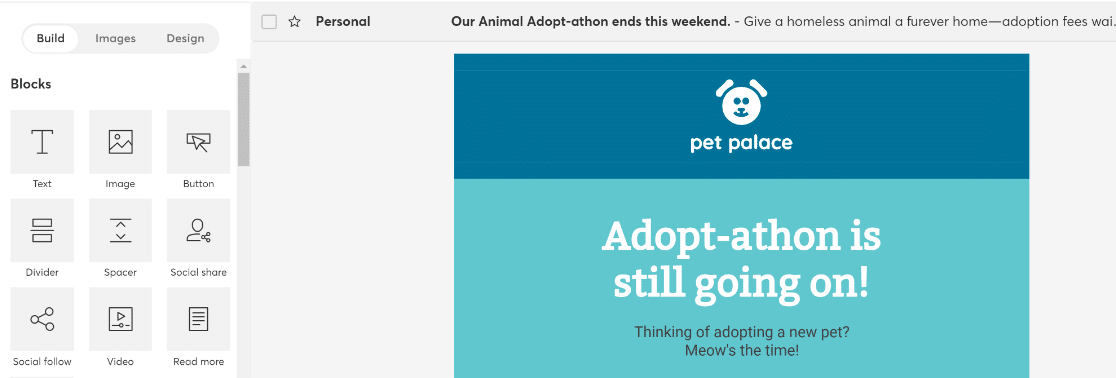
Email Marketing: Automated email campaigns can welcome new subscribers, nurture leads through targeted content, and win back inactive customers. These campaigns can be triggered by specific user behaviors or time-based schedules.n
 nCredit: wpforms.com
n
-
Social Media Management: Tools like Buffer and Hootsuite allow you to schedule posts across multiple platforms, saving time and ensuring consistent engagement with your audience. Social media automation also enables businesses to analyze performance and adjust their strategies accordingly.
n
-
Lead Qualification: Implementing a lead scoring system within a CRM can automate the process of identifying high-potential leads, allowing sales teams to prioritize their efforts. This ensures that the most promising leads receive the attention they need to convert into customers.
n
-
Content Publishing: Content management systems like WordPress can be used to automate the scheduling of blog posts and other content, ensuring a consistent flow of information to your audience.
n
 nCredit: wpforms.com
n
n
n
n
n
Customer Relationship Management (CRM) Automation
n
Automating your CRM system is essential for managing customer interactions efficiently. A good CRM system can track customer interactions, streamline profiles, segment customers, and help personalize communications, leading to stronger customer relationships and increased sales.
n
- n
- Tracking customer interactions, including emails, calls, and meetings, provides valuable insights into customer behavior and preferences.
- Automated CRM systems can segment customers based on criteria such as purchase history or engagement level, allowing for targeted marketing campaigns and promotions.
- By automating customer profiles, you can ensure that all relevant information is easily accessible and up-to-date, improving the efficiency of your sales and customer service teams.
n
n
n
n
Customer Support Automation
n
Automating customer support can significantly enhance the customer experience by providing timely and efficient solutions to common queries. Automation in this area can also free up your support team to handle more complex issues.
n
- n
- Chatbots: Automated chatbots can handle frequently asked questions, providing instant answers and freeing up human agents to focus on more complex issues.
- Help Desks: Automated help desk software can streamline the process of managing customer inquiries, ensuring that no request is overlooked.
- Onboarding: Automating the onboarding process ensures new customers are up and running quickly, enhancing their overall experience.
n
n
n
n
Workflow Automation for Small Businesses
n
Workflow automation focuses on streamlining internal processes, from project management to HR tasks. By automating these areas, small businesses can reduce errors, improve collaboration, and free up resources for more strategic work.
n
- n
- Project Management: Tools like Asana and Trello help automate task assignments, deadlines, and progress tracking, ensuring that projects are completed on time and within budget.
- HR Processes: Automating HR tasks like onboarding and leave requests can save time and reduce the administrative burden on HR staff.
- Internal Communication: Tools like Slack and Discord can automate internal communication, ensuring that team members are kept up-to-date on important company matters.
n
n
n
n
Tools for Small Business Automation
n
Numerous tools are available to help small businesses automate their operations. These tools range from simple task automation apps to comprehensive CRM and marketing platforms. Here are some of the most popular options:
n
Workflow Automation Tools
n
- n
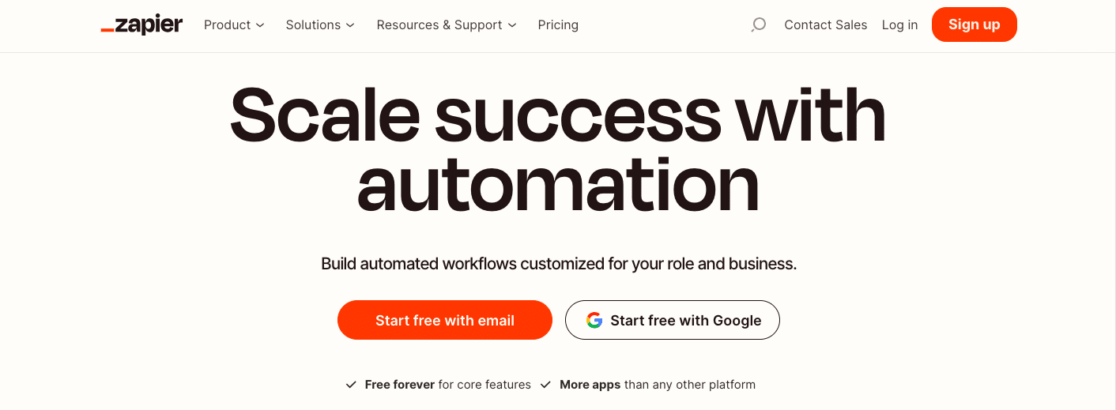
- Zapier: This tool connects various apps and services, automating tasks across different platforms. It supports a wide array of integrations, making it a versatile choice for many automation needs.nnCredit: wpforms.com
- Make (formerly Integromat): A direct alternative to Zapier, Make offers a visual interface for creating automated workflows. It also has a free plan with more generous limits than Zapier.
- Uncanny Automator: This WordPress plugin allows you to connect various plugins and apps, automating actions based on user behavior.
- CAFLOU: A complete business process management (BPM) solution that offers native automation features within its platform, including workflow engines, recurring objects, and cash flow management.
 nCredit: wpforms.com
n
n
n
n
n
Email Marketing Automation Tools
n
- n
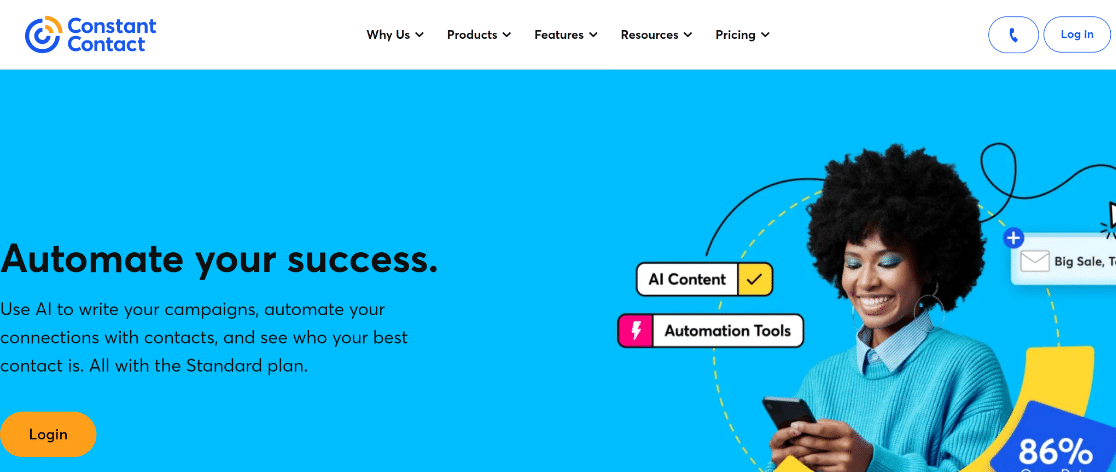
- Constant Contact: Known for its user-friendly interface and powerful automation features, Constant Contact is a popular choice for email marketing automation.nnCredit: wpforms.com
- Brevo (formerly Sendinblue): A sales and marketing solution that offers a complete suite of tools, including email marketing, live chat, and SMS messaging.
- Mailchimp: A widely recognized email marketing platform with a free plan and robust features for behavioral targeting and dynamic content.
- Drip: A marketing automation tool specifically designed for e-commerce businesses, offering excellent integrations and email marketing automation features.
 nCredit: wpforms.com
n
n
n
n
n
Social Media Automation Tools
n
- n
- Buffer: An affordable social media management suite that allows you to schedule posts, automate link shortening, and generate reports.
- Hootsuite: A more high-end social media management tool with advanced features, including an autoschedule feature that optimizes post timing.
n
n
n
CRM Automation Tools
n
- n
- HubSpot CRM: A free CRM platform with robust features for organizing, tracking, and nurturing leads and customers.
- AgileCRM: An all-in-one CRM platform with automation features for sales, marketing, and customer support.
- Freshsales: A CRM with built-in automated marketing tools, including simple workflows to trigger emails to customers or internal teams.
n
n
n
n
Customer Support Automation Tools
n
- n
- Intercom: A customer relationship platform that offers a suite of customer support tools, including chatbots, live chat, and a help desk.
- Chatfuel: An excellent chatbot solution for small businesses, offering a visual builder and a library of templates for creating flow-based chatbots.
n
n
n
Lead Generation Automation Tools
n
- n
- OptinMonster: A lead generation tool that helps you create stunning lightboxes, landing pages, and pop-ups to capture leads.
- Phantombuster: A powerful automation tool that excels at lead generation, focusing on scraping data from social media platforms.
- LinkedIn Helper: A tool that helps you streamline and automate your LinkedIn prospecting by sending personalized invites and gathering lead information.
n
n
n
n
Finance and Accounting Automation Tools
n
- n
- Quickbooks: An established accounting software for small businesses, with a range of features for cash flow management, bill management, and workflow automation.
- Invoicely: A free, powerful invoicing platform that allows you to track time, expenses, and mileage.
- Brightbook: A free online accounting system that lets you create invoices, upload bills, and get paid online.
n
n
n
n
Other Useful Automation Tools
n
- n
- IFTTT (If This Then That): A platform that connects your apps and devices, allowing you to create automated workflows for personal and business use.
- Calendly: A booking automation tool that makes it easy for clients or customers to schedule meetings with you.
- Google Workspace: With Google Docs, Sheets, and Calendar, small businesses can share files, collaborate on documents, and schedule meetings efficiently.
- Slack: A popular communication tool for streamlining remote communication within teams.
n
n
n
n
n
Implementing Automation in Your Small Business
n
Implementing small business automation can be a transformative process. Here are some steps to help you get started:
n
- n
- Identify Repetitive Tasks: Analyze your daily operations to identify tasks that are repetitive, time-consuming, and prone to human error.
- Choose the Right Tools: Research and select automation tools that best suit your specific needs and budget. Consider factors such as ease of use, cost, integrations, and customer reviews.
- Start Small: Begin by automating one or two high-impact tasks to see the benefits and gradually expand your automation efforts over time.
- Test and Iterate: Continuously test and refine your automated workflows to ensure they are working effectively. Pay attention to where automation is working well and where it's falling short.
- Train Your Team: Invest in training your team members to use the new tools and processes effectively. This will help them see the value in automation and encourage widespread adoption.
- Seek Outside Help: If you lack the technical expertise in-house, don't hesitate to seek help from outside experts or consultants.
n
n
n
n
n
n
n
The Importance of the Human Touch
n
While automation is essential, it's important to remember that certain aspects of your business still require a human touch. Customer service, creative work, and strategic planning are areas where the human element is indispensable. Balance automation with personalized interactions to ensure a positive customer experience and maintain the unique aspects of your business.
n
Final Thoughts
n
Small business automation is a powerful tool that can help you save time, reduce costs, improve efficiency, and enhance the overall effectiveness of your business. By taking a strategic approach and leveraging the right tools, you can automate tasks and empower your employees, delight your customers, and propel your business into the future. Embrace automation to help your small business thrive and stay competitive in today's dynamic marketplace.





